Write a message in your own language and translate it in the same input field. Select incoming text to read its translation beside it. On Apple Silicon Macs and Windows, download the built-in model once — no Ollama or API key needed.
The built-in model runs on your computer. Download it once, then translate offline. Screenshot: macOS app.
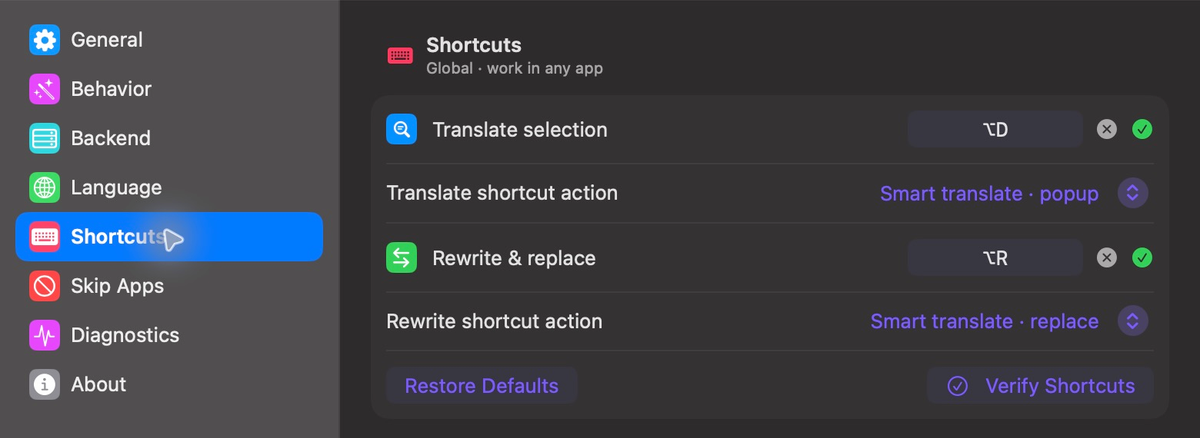
One shortcut to understand what's in front of you. One to type what you mean and rewrite it in another language — without leaving the field.
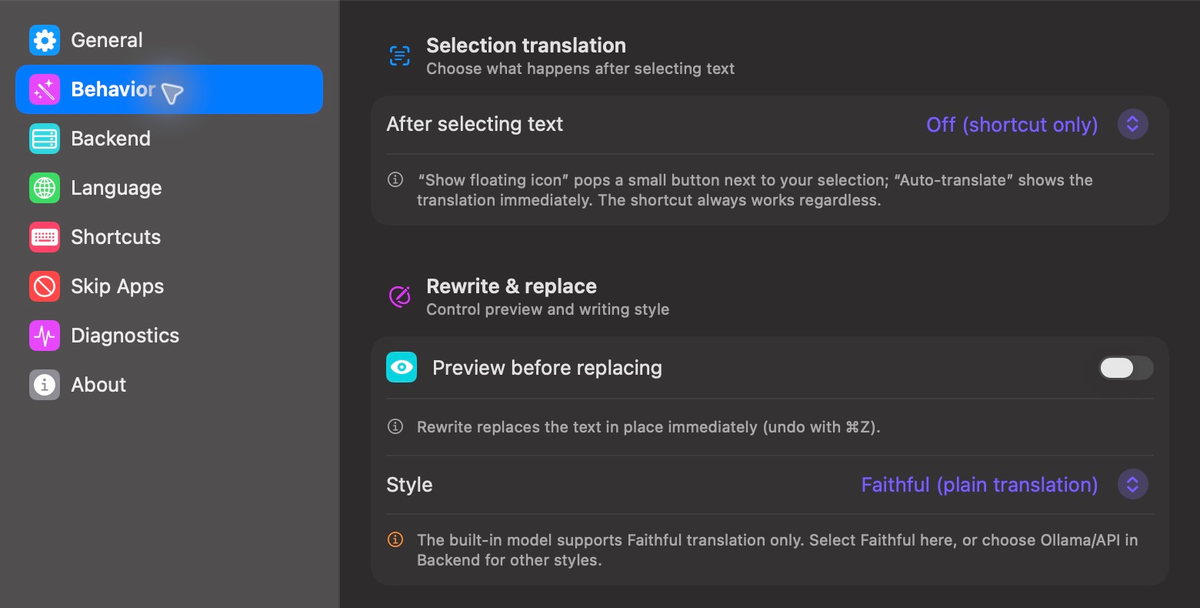
Select foreign text in any app and a clean popup shows the translation right beside it — streaming, with one-click Copy or Replace. Trigger by shortcut, a floating icon, or auto on select.
Think in your language, send in another. Select your message, press the shortcut, and replace it with the translation in the same field. Undo with ⌘Z on Mac or Ctrl+Z on Windows. You can also preview before replacing.
Reads your selection through macOS Accessibility or Windows UI Automation, with a synthetic-copy fallback for Electron & web apps — then restores the previous clipboard. Protected fields and apps that block selection or paste may not work.
The built-in model and local Ollama keep triggered selections on your machine. The built-in model needs a one-time download before offline use. A cloud backend sends them to the endpoint you configure. Accessibility/UI Automation enables system-wide selection access; clipboard fallback briefly copies and then restores your clipboard, which clipboard-history tools may record.
Rewrites are pasted in place and preserve each app's native undo stack. Changed your mind? Use ⌘Z or Ctrl+Z.
Set smart or fixed language direction independently for Read and Write. Change either shortcut, clear one completely, or trigger Read from the floating icon and automatic selection mode.
The built-in model supports Faithful translation and in-place replacement. For Formal, Casual, or Polished rewriting, choose Ollama or an API backend.
A SwiftUI menu-bar app on macOS and a Win32 tray app on Windows. No Electron runtime, with launch at login and a per-app skip list.
Detection and translation use the same eleven-language set on macOS and Windows.
Start with the built-in offline model on Apple Silicon Macs or Windows. Ollama is optional; use it or an API when you want another model or writing style. Intel Macs use Ollama or an API.
Download TranslateGemma 4B once (about 2.22 GB), then translate on your Mac. No account, API key, Ollama, or Python setup. Pause and resume across restarts, with download speed and time estimates, automatic retries, and integrity checks. Allow about 4.5 GB free during installation.
Faithful translation and in-place replacement. Long selections above the model’s 2K input-token limit need to be shortened.
Download TranslateGemma 4B once (about 2.49 GB), then translate locally on your CPU. The installer and portable ZIP include the inference runtime. No Ollama, account, or API key is required.
Supports Faithful translation and in-place replacement. For other writing styles, choose an optional backend below.
Use your own local model. Install Ollama and a model first; TypeTide lists installed models and can pick an available one if your configured model is missing.
$ ollama pull qwen3.5:4b
Use OpenAI, OpenRouter, DeepSeek, or any custom /chat/completions endpoint. Credentials stay in Keychain or Windows Credential Manager.
base URL · API key · model
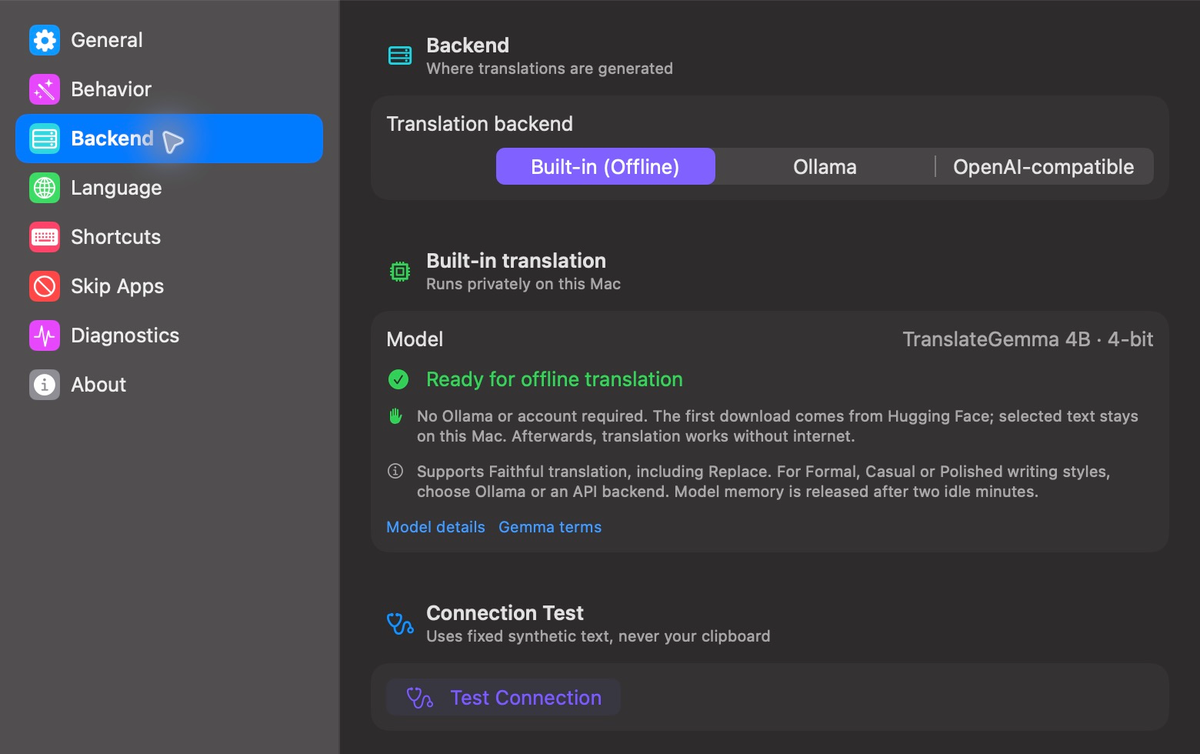
On Apple Silicon Macs or Windows, install TypeTide, keep Built-in (Offline), and download the model in settings. On Mac, grant Accessibility access, then verify your shortcuts. Once the model is ready, translation works offline. Ollama is optional.