Press your shortcut, type a few letters, press Return. Arrange apps in your own grid with folders, hide what you never use, and sort by recent or most launched.
Free · Open source · Runs on your Mac
Open anything.
Get back to work.
LaunchDeck does a few things and does them reliably: it opens your apps, finds your files and projects, and acts on them, all from one shortcut and all on your Mac.
Few features, done well.
No account, no cloud, no plugins that run code. Every change runs the full test suite and a 100,000-app performance check before it ships.
What it does
Four jobs, one shortcut.
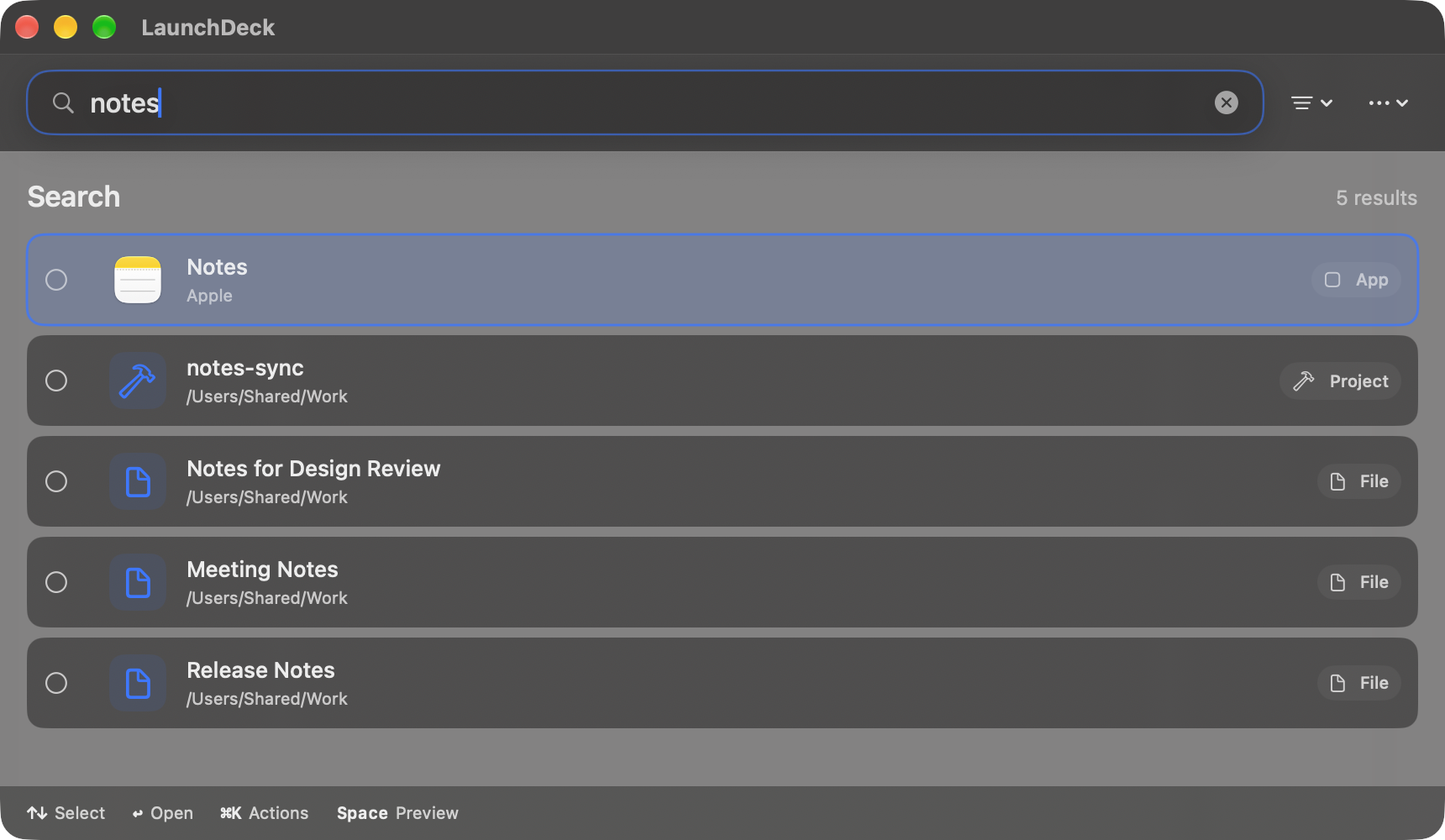
Choose the folders to index and LaunchDeck finds documents, Xcode projects and Git repositories in them. Narrow a search with kind:file, ext:pdf or path:Documents.
Rename, move, duplicate, zip or move to Trash, one item or many, with one-step Undo. Selected files in Finder and the current browser tab come along when you open LaunchDeck.
Start a search with / and describe what you want, such as /edit a photo. It uses Apple’s on-device model, and it only suggests apps, files and actions you already have.
Also included: clipboard history (off until you turn it on), text snippets, window halves and quarters, and saved multi-step recipes.
Why it stays dependable
Built to be boring in the best way.
Ordinary search never waits on a model. In the repeatable benchmark it answers in about 2.5 ms (p95) across 200,000 items.
Deletes go to the Trash, every file action can be undone, and an action stops with a clear error if a file has moved instead of half-finishing.
Each release passes the test suite and the performance check, and is signed with Developer ID and notarized by Apple.
No account, analytics or ads. Your index and history stay on your Mac, and one button in Settings clears them all.
LaunchDeck only connects to the internet if you add your own AI provider for a recipe. Web links open in your browser.
Clipboard history is off by default and skips passwords copied from password managers. The shortcut restores whatever you had copied.
Extensions
Small on purpose.
An extension is a short JSON file that adds commands to search. It can’t run code, read your files or change your system, so installing one can’t harm your Mac.
| Command | What it does | Example |
|---|---|---|
quicklink | Type a keyword and a term to search a website | swift async searches Apple’s docs |
openURL | Open a web page by name | “Open GitHub” |
staticText | Copy a saved piece of text | “Copy Swift Test Command” |
Install from Settings → Extensions → Install Manifest…. If an update asks for more permissions, LaunchDeck shows you the change first. Need multi-step automation instead? Use a recipe.
Example extensions ↗{
"schemaVersion": 2,
"id": "com.example.docs",
"name": "Docs Search",
"version": "1.0.0",
"permissions": ["network"],
"commands": [
{
"id": "swift",
"name": "Search Swift Docs",
"kind": "quicklink",
"keyword": "swift",
"value": "https://developer.apple.com/search/?q={query}"
}
]
}How it compares
What LaunchDeck adds.
The same quick local search, plus file actions with Undo, search filters such as ext:pdf, and steps you can save as a recipe.
Nothing to sign in to, and nothing leaves your Mac by default. Extensions are declarations, not TypeScript programs.
Send-to-action workflows in a free, MIT-licensed app, with a Launchpad-style grid and folders.
Install
One command. Ready to launch.
Install the signed, Apple-notarized release from the official Homebrew tap. Requires macOS 26 or later.
brew install --cask everettjf/tap/launchdeck
Update with brew upgrade --cask launchdeck. Remove with brew uninstall --cask launchdeck.
Prefer a direct download?
Download the notarized ZIP from GitHub Releases and move LaunchDeck to Applications.
GitHub Releases ↗